Begin with the task you normally do
Consider the work you expect to complete in the room. A brief email needs less space than several hours of spreadsheet work with a mouse and papers. At home, measure the footprint of the equipment you actually require. Record the width and depth, including room for your hands. This turns a vague question about a desk into a specific enquiry. A narrow console may accommodate a laptop but leave no usable space for an open document folder.
Use photographs as a starting point
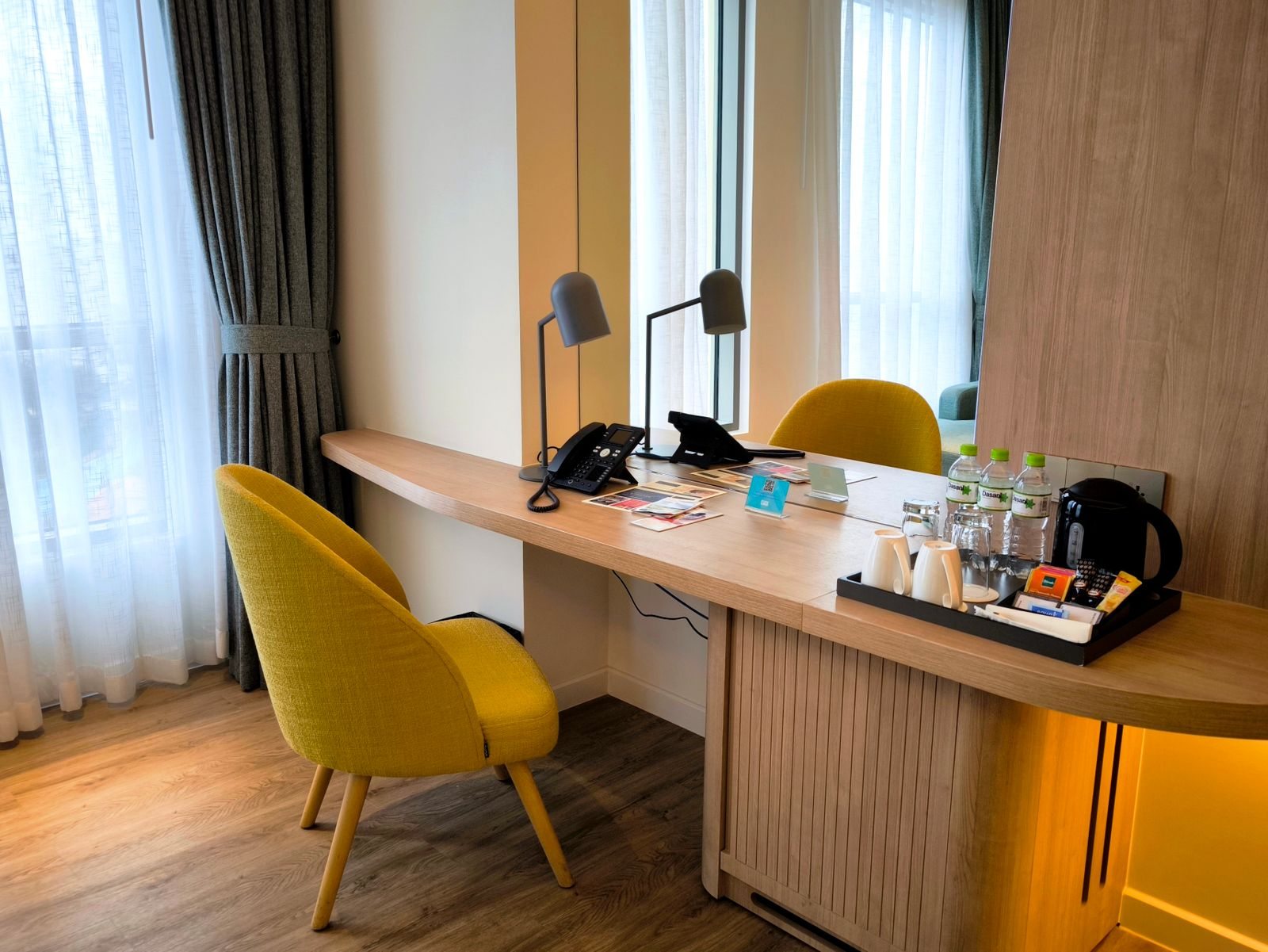
Look for unobstructed space beneath the table in room photographs. A drawer or fixed panel may restrict legroom. Check whether the chair can move and has a backrest. Images can distort proportions, so ask the property to confirm any essential measurements. Refer to the room category you plan to book. A workspace pictured in a suite is not useful evidence for a smaller standard room.
Include power and lighting
Ask whether there is an accessible socket beside the desk. A connection behind the bed is of little use if a charging lead must cross the room. On arrival, check that the working surface is adequately lit and the screen is not strongly reflective. Try repositioning the laptop before moving furniture. Keep cables away from walking routes and do not alter any fixed installation in the room.
Set a limit for using the space
Arrange everything for a short trial session. Can you type comfortably and read your papers without repeatedly rearranging things? If not, shorten the session or ask about another suitable place. A hotel lounge may be an option, but it is not automatically quiet or appropriate for confidential conversations. Longer working days justify choosing accommodation whose workspace you have examined more carefully beforehand.