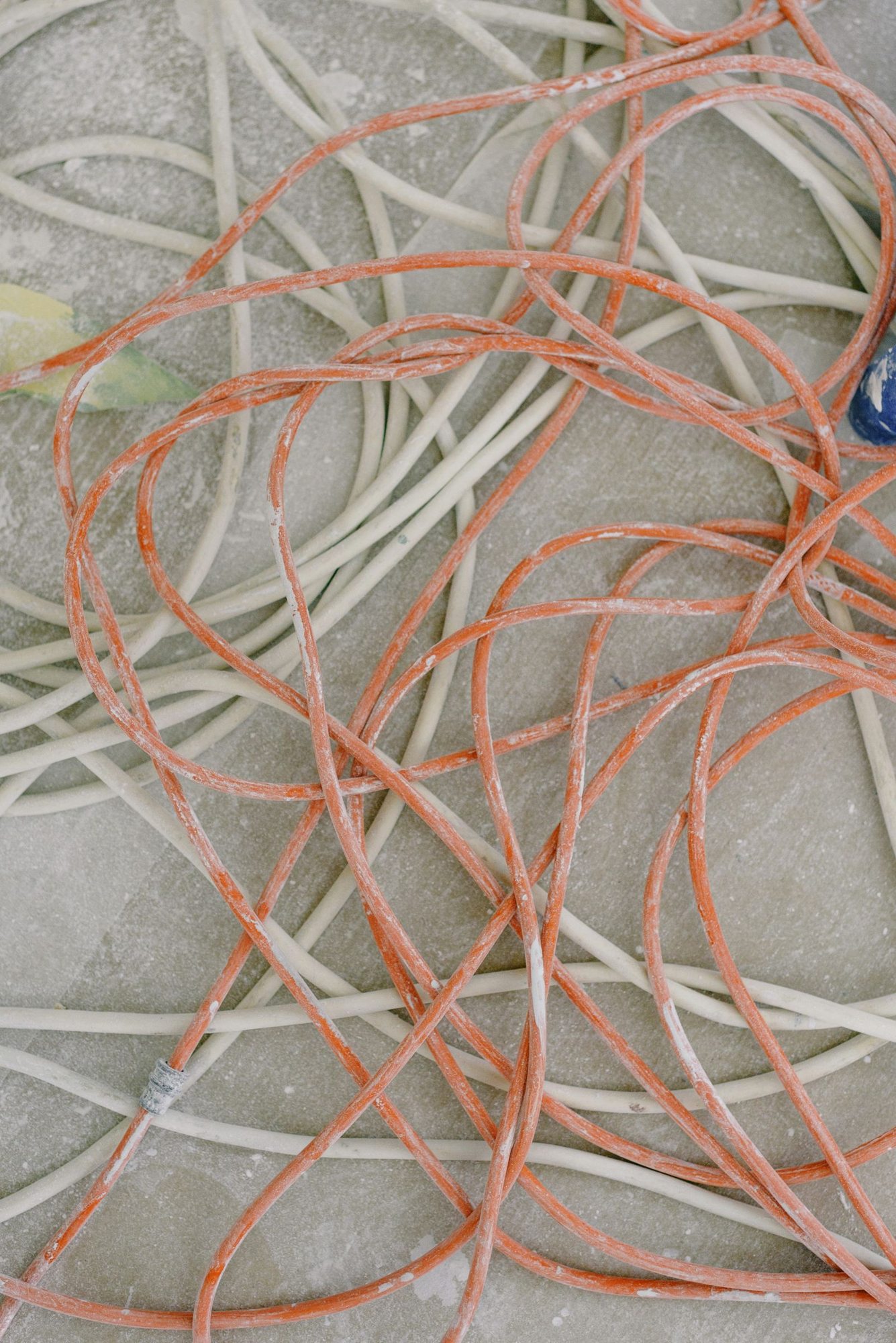
Plan connections before placing furniture
Put the intended devices and the ordered connection points on the same plan. A screen on one side and its supply on the other create a route that somebody must later bridge. First check whether the device can move instead. A shorter connection is often much easier to accommodate cleanly.
Distinguish power, data connections and charging cables needed only temporarily. These lines serve different purposes and should not become one unexplained bundle. Ask the responsible supplier which routing and protective measures are approved for the particular stand rather than assuming a familiar office arrangement will suit the venue.
Avoid improvised crossings
A cable across the welcome area is an obstacle even when nobody is crossing it yet. Consider bags, trolleys and mobility equipment that will later use the route. Necessary crossings belong in the planning discussion with the stand contractor or technical service. Do not invent covers whose suitability you cannot assess.
Look at movable furniture and opening doors. A connection that initially appears protected may be pulled when a table moves. Have the responsible professionals assess connections and distribution equipment. Adding devices on the day of the event can change the load that was originally planned.
Maintain the arrangement during use
Label devices and their associated cables so the team can distinguish them. Replacing a laptop should not accidentally disconnect the whole demonstration. Store spares in one permanent place and remove unused loose cables from the working area instead of leaving them beside the display.
During the morning walk-through, check that the arrangement still matches the approved setup. Cleaning, deliveries and furniture movements can introduce new obstacles. If a connection appears damaged or equipment behaves unusually, stop using it and obtain qualified assistance rather than improvising a quick technical repair in the middle of a visitor conversation.