Assess the intended input honestly
Review the itinerary and identify the documents or spreadsheets you genuinely need to work on away from home. The laptop's built-in keyboard may be enough for short replies. Several longer sessions can justify a different arrangement, particularly if you want to position the screen separately. Do not pack a keyboard merely because space remains. It also creates transport, connection and another departure check to manage.
Try the format and key layout
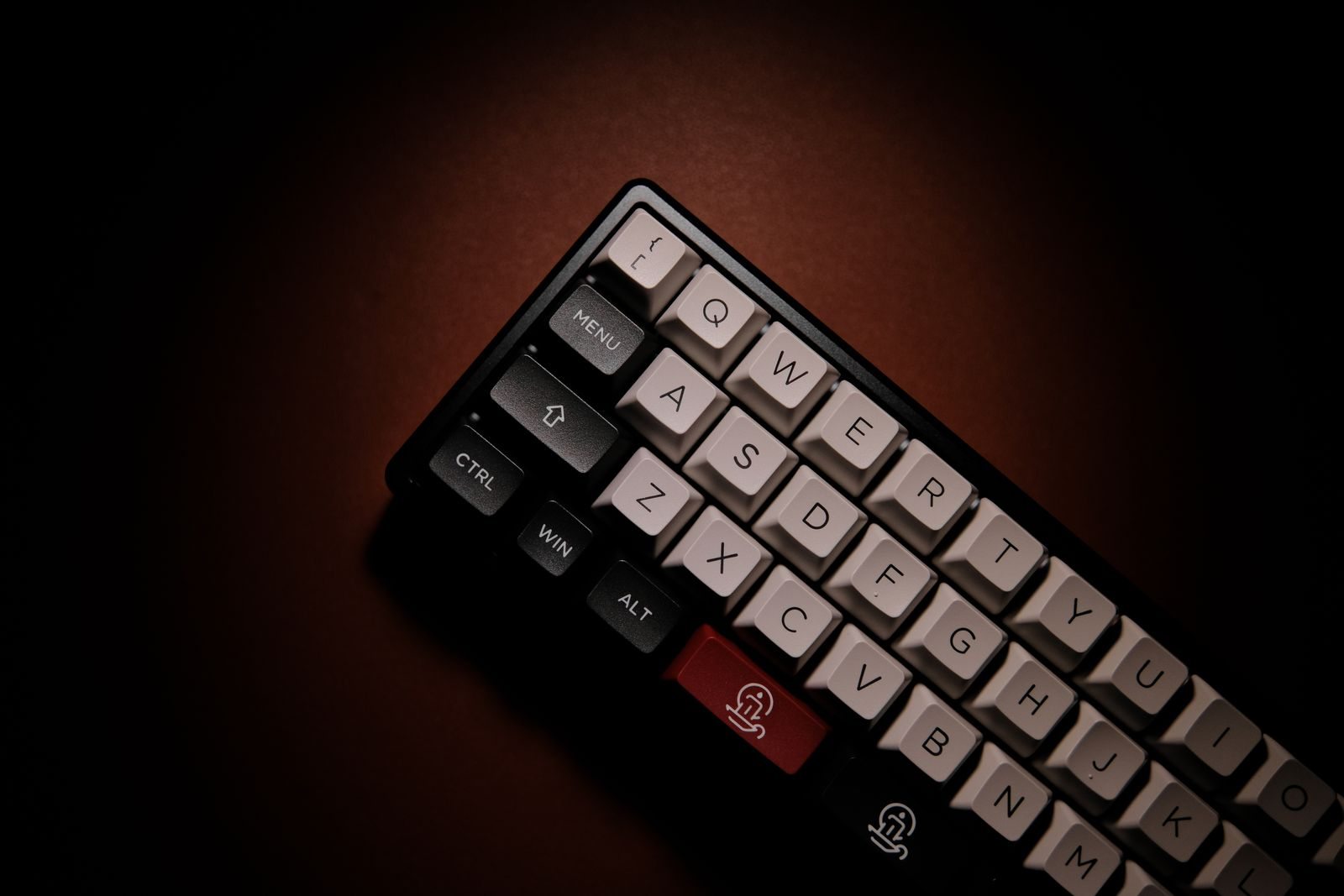
Write a substantial sample text on the model you are considering. Pay attention to characters, shortcuts and navigation keys frequently used in your work. A very small keyboard may rearrange functions or require extra steps for familiar commands. An unfamiliar layout immediately before an important deadline can consume more attention than expected. Choose by balancing saved space against genuinely fluent input, rather than selecting the smallest packed dimensions alone.
Test the connection to the work device
Set up the keyboard with the intended device before travelling and follow workplace accessory requirements. Check how it reconnects after a pause and what that requires. If it uses a receiver or cable, give that component a fixed position. For a battery-powered model, check its supply according to the manufacturer's guidance. An extra keyboard helps little if you only discover in the hotel that the small connector it needs stayed at home.
Assess the whole desk arrangement
Put the laptop, keyboard and any mouse on a realistically small surface. Is there space for hands and papers without anything overhanging the edge? Then test packing it with suitable protection against pressure and unintended key presses. After the trip, note how often you actually used it. If it remained closed inside the bag, consider whether a simpler setup would be sufficient for the next similar stay.