Rehearse three access situations
Consider what you remove at the station, exhibition entrance and meeting table. Your phone, entry confirmation and notebook are needed at different frequencies. Put those items into the candidate bag and fill the remaining space realistically. Every pocket looks accessible in an empty display model. Only with the laptop, power supply and daily essentials inside can you see whether a zip becomes obstructed or a small compartment disappears beneath a heavy folder.
Check more than the laptop's screen size
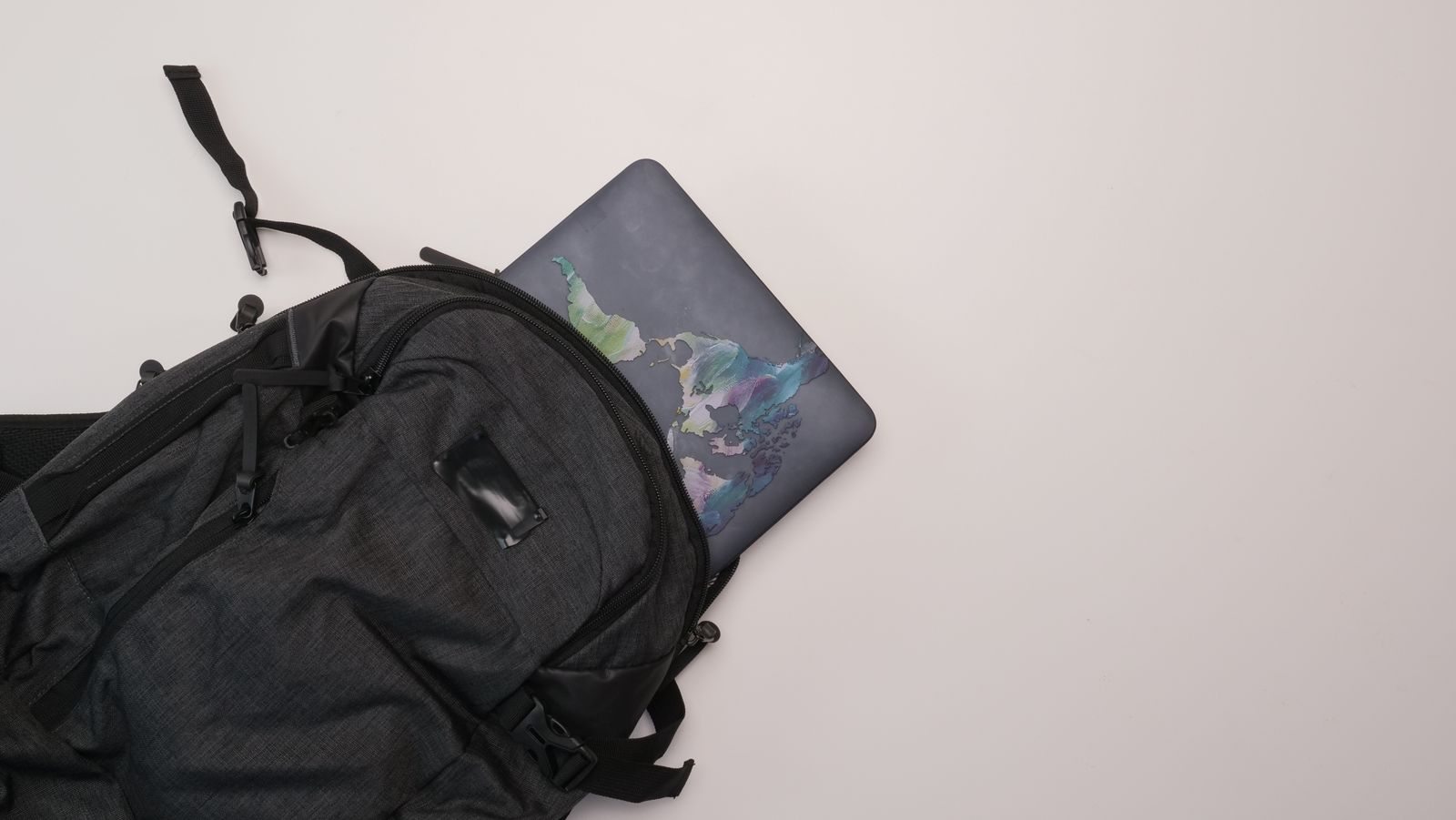
Compare the device's actual dimensions with the intended compartment. A sleeve, broad edges or an unusual shape may alter the space required. The computer should slide in and out without force while remaining separate from loose hard objects. Check whether you can open its compartment without unpacking everything. If you frequently need to produce the laptop, that practical access may matter more than extra small pockets you rarely use.
Test weight and carrying position
Carry the filled bag over a short distance in the way you intend to use it. Notice whether straps and handles are easy for you to reach and whether the load hangs unevenly. A bag with many extra components starts heavier even before packing. Consider whether it can be placed conveniently beside a train seat or in your accommodation. A bag that repeatedly tips over makes access awkward even when its internal layout looks convincing on paper.
Assign frequent items fixed places
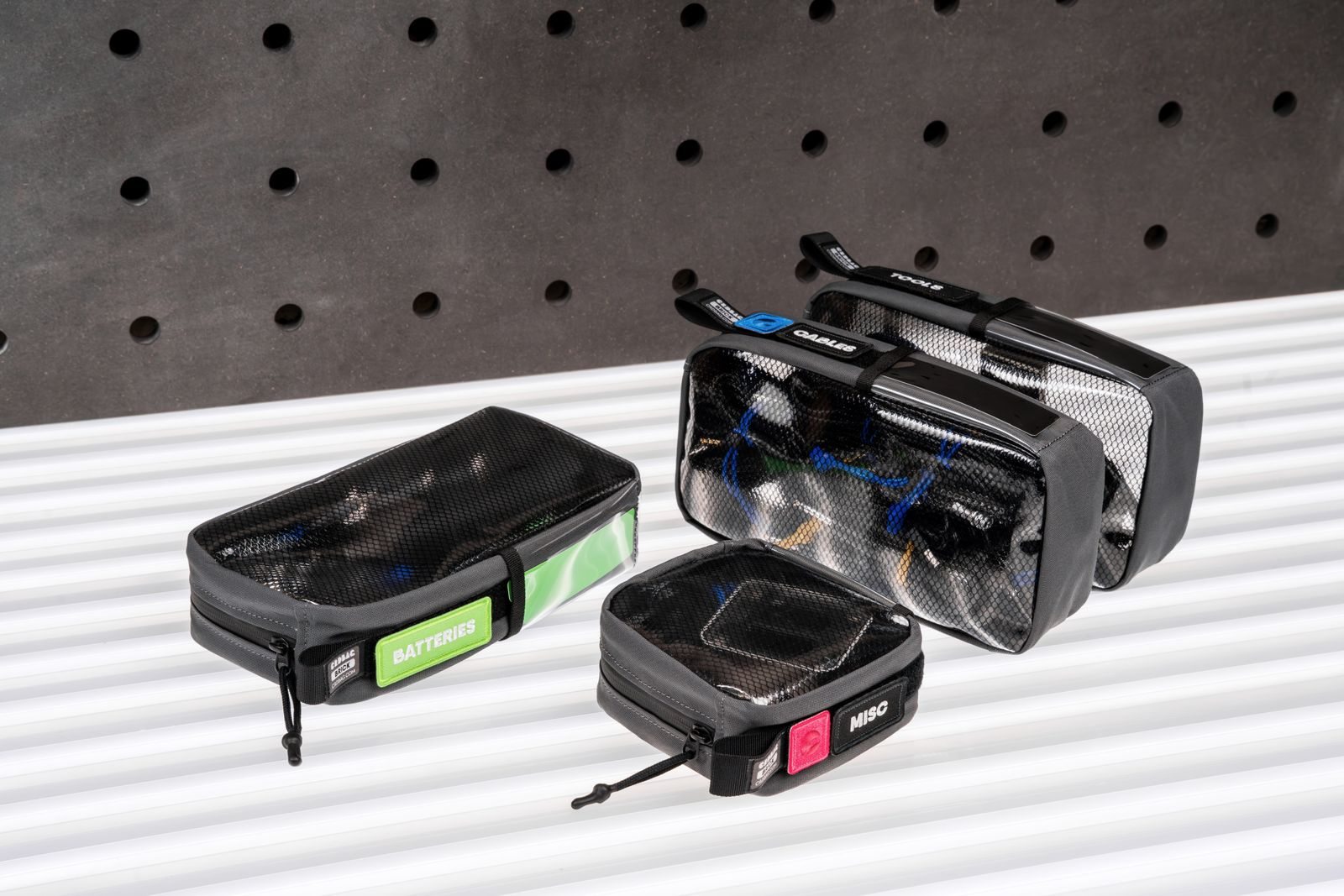
After choosing, use a few consistent locations: the device in its protected section, cables together and frequent small items somewhere accessible. Resist filling every spare pocket just because it exists. After a trip, consider whether you repeatedly searched for anything. Change its assigned position before replacing the whole bag. A modest system remains understandable late in an exhibition day when you are tired and need to move quickly.