Test its value through one task
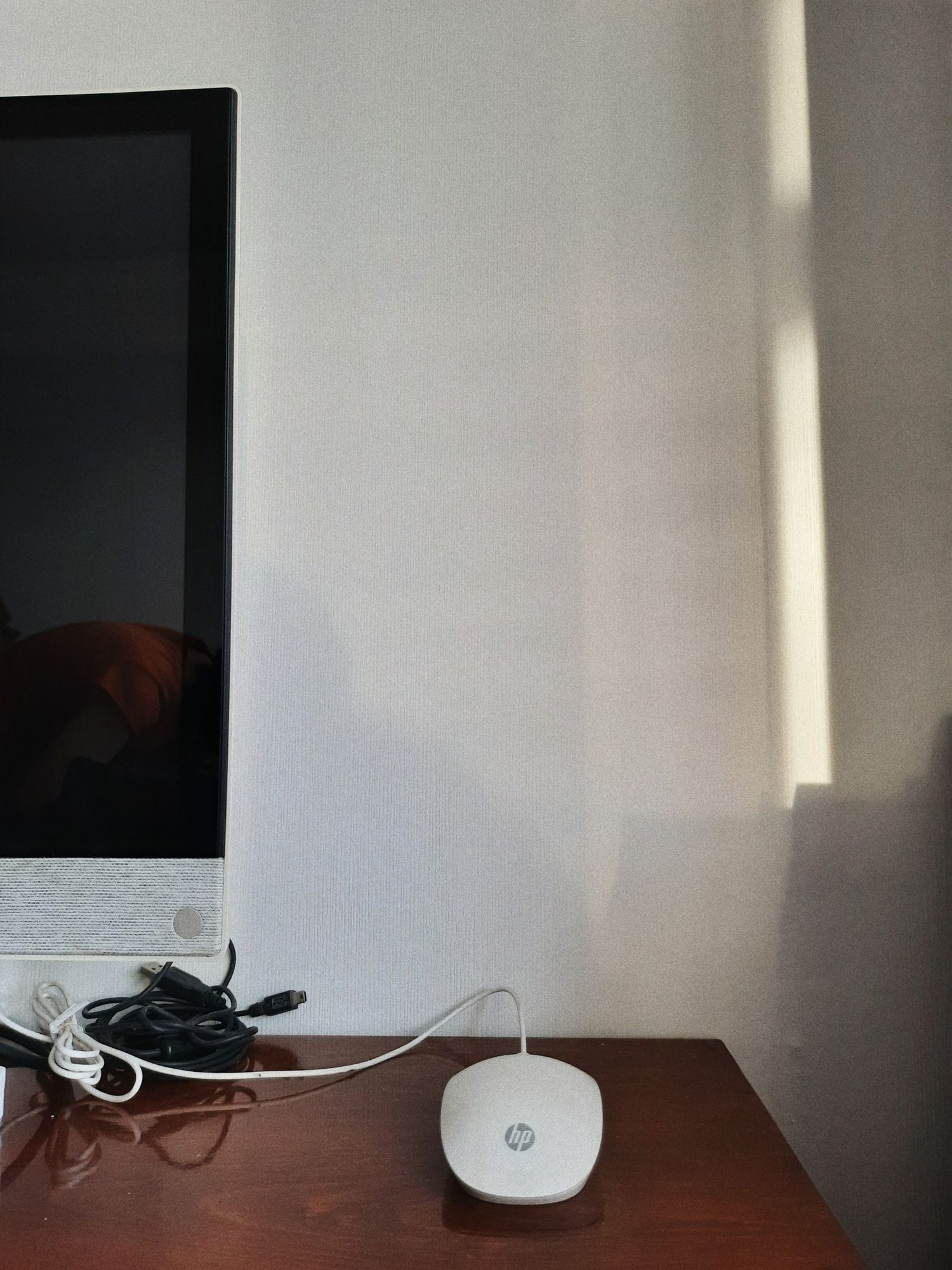
Consider whether you mainly type, handle large spreadsheets or make precise selections while travelling. Try the same task with the trackpad and your familiar mouse. What matters is completing the planned work reliably, not which option is generally used more in the office. The built-in input device may be enough for a very short session. A familiar mouse can help with repeated precise movements, provided the additional desk space genuinely exists.
Plan an appropriate working surface
At home, try different surfaces resembling places where you might realistically work. A glossy or uneven hotel table may behave differently from your office desk. A small suitable mat can provide a consistent area, but it must fit both luggage and table. Do not build an unstable arrangement over a desk edge. If the available space is too narrow, a simpler setup is better than an input device that repeatedly obstructs other items.
Secure small connection components
Set up the mouse with the work device and test it in the intended application. If a receiver is required, keep it in its designated secure location. Remove it before transport where instructions or the packing arrangement require this. Check the cable or power supply and bring only necessary accessories. An extra connection adapter can change the whole setup; test the complete connection rather than only trying the mouse on another computer.
Keep the workspace organised
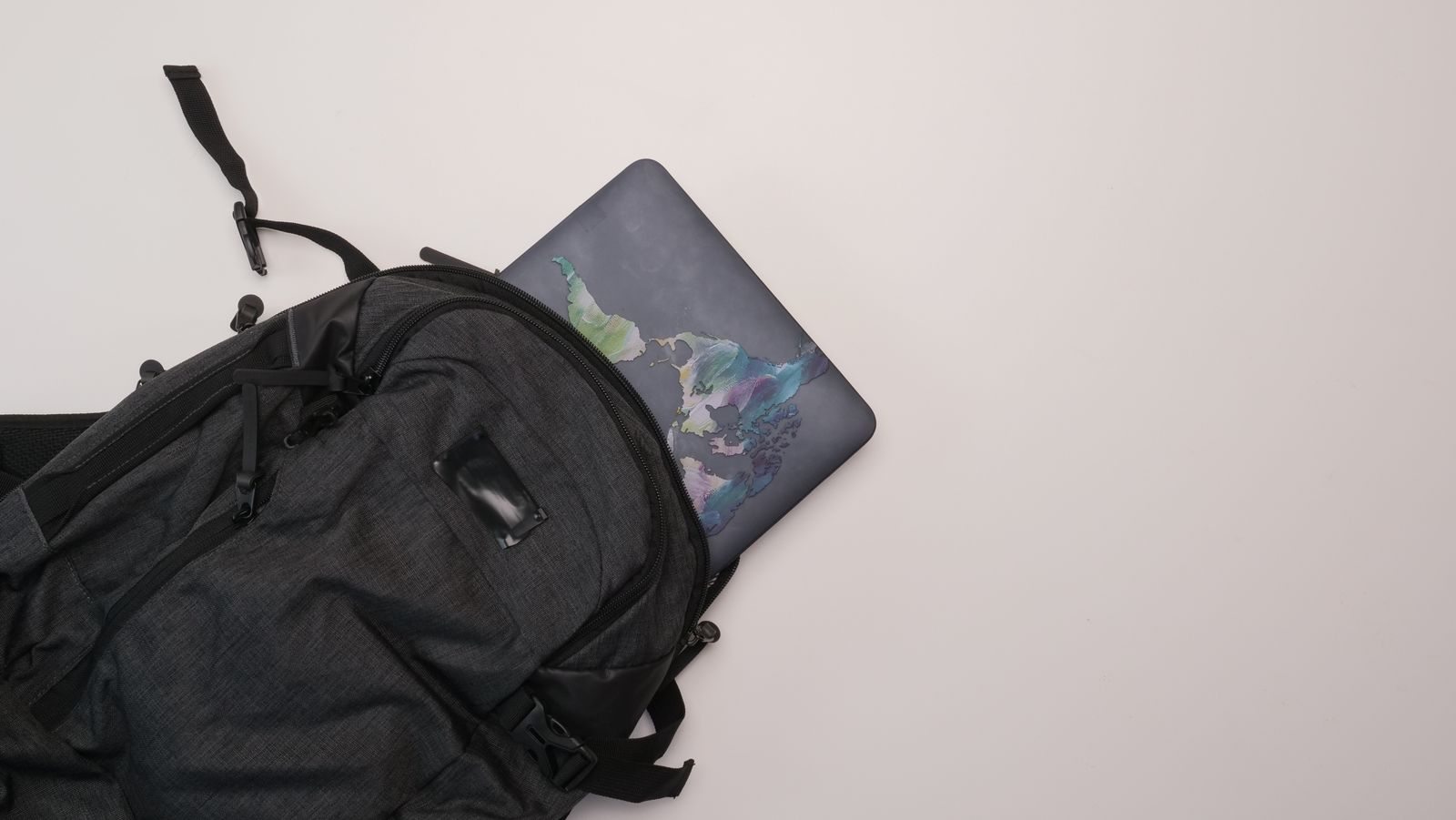
Put the mouse in the bag when leaving the table instead of abandoning it beside scattered papers. Keep drinks and loose cables out of its movement area. After a longer session, consider whether the position still suits you and adjust the arrangement if needed. Individual discomfort calls for appropriate professional advice. Before departure, count the mouse, mat and connector as one set so a small component does not remain in the room.