Test the actual meeting format
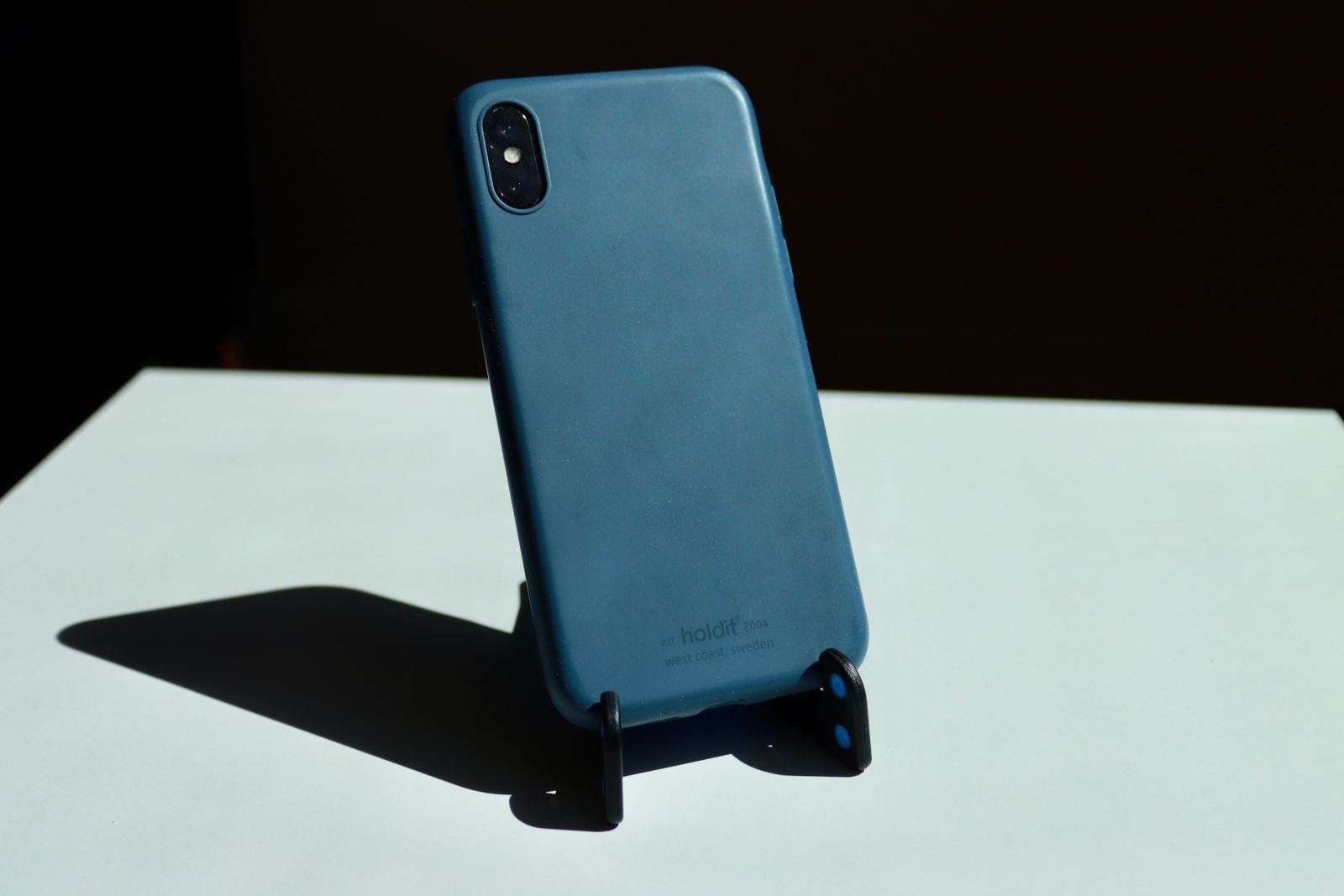
Check whether the application uses portrait or landscape video and which position you need. Put the phone into the holder with its normal case fitted. Compatibility without the case helps little if you do not want to remove it repeatedly while travelling. Open the preview and assess framing and camera height. A holder should provide a stable, understandable position rather than require balancing the device on additional insecure objects.
Check operation during the call
Tap the screen locations used for muting and other necessary controls. Does the arrangement stay in place? Does the holder obscure ports, microphones or cameras? If relevant, test the charging cable without creating strong tension on the device. Stability while untouched is insufficient if every ordinary interaction tips the phone. Read the manufacturer's size and usage guidance for the combination you intend to use.
Choose an appropriate surface
Put the holder on a firm, level surface away from the edge. Avoid positions where passing people or a moving bag strap could easily strike it. Keep drinks out of the immediate area. Check the background and lighting before the meeting begins. A stable holder does not resolve a poor connection or make a public location suitable for confidential content. Choosing the calling location therefore remains a separate important decision.
Simplify packing and setup
Fold the holder after use and check for loose components. Give it a fixed place where hard edges cannot press against delicate devices. Test whether the position can be reproduced without lengthy adjustment. If you rarely join by phone, another suitable arrangement you already have may be enough. An additional accessory is most worthwhile when it reliably simplifies a frequent specific situation without creating further preparation work of its own.